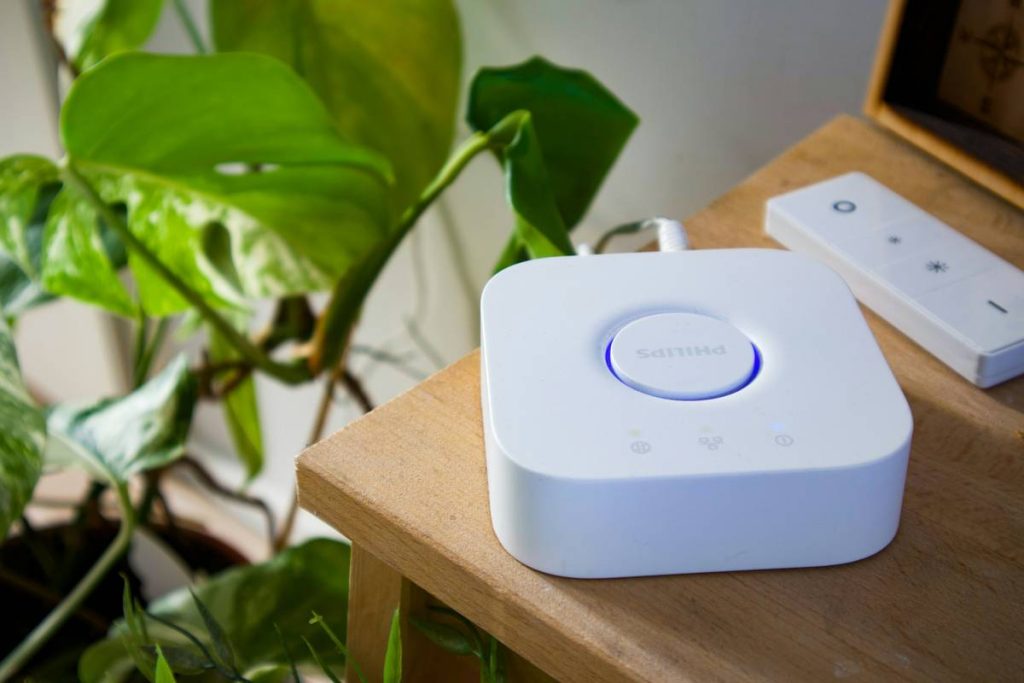
Your smart lights flicker. Your thermostat ignores commands. Your “integrated” security camera logs out every third Tuesday. You didn’t buy a smart home—you bought a digital Frankenstein. And the root cause? Poor implementation of device integration. Most guides treat this like plug-and-play Lego. Reality check: it’s closer to open-heart surgery on live firmware.
The Core Problem: Why Standard Methods Fail
Manufacturers promise seamless ecosystems. But their SDKs are often outdated, poorly documented—or locked behind enterprise licenses. You’re left cobbling together MQTT brokers, REST APIs, and third-party bridges that talk past each other. And don’t get me started on local vs. cloud execution conflicts.
Here’s the reality: true interoperability isn’t about protocols—it’s about state synchronization. If your smart blinds don’t know whether the AC is running, your “automation” is just scheduled chaos.
implementation of device integration: A Practical Step-by-Step Guide
Forget theoretical stacks. This is what works in real basements, not boardrooms.
Map Your Device States First—Not Protocols
List every possible state (e.g., “motion_detected,” “battery_low,” “manual_override”). Only then choose transport layers. Zigbee? Good for low-power sensors. But if your garage door opener runs on 433MHz RF, you’ll need a Sonoff bridge—not another hub.
Prioritize Local Execution Over Cloud Reliance
Cloud APIs fail during outages. Worse—they introduce latency that breaks timing-critical automations. Run decision logic on a Raspberry Pi with Node-RED or Home Assistant OS. Keep sensitive data off third-party servers.
Validate with Real-World Edge Cases
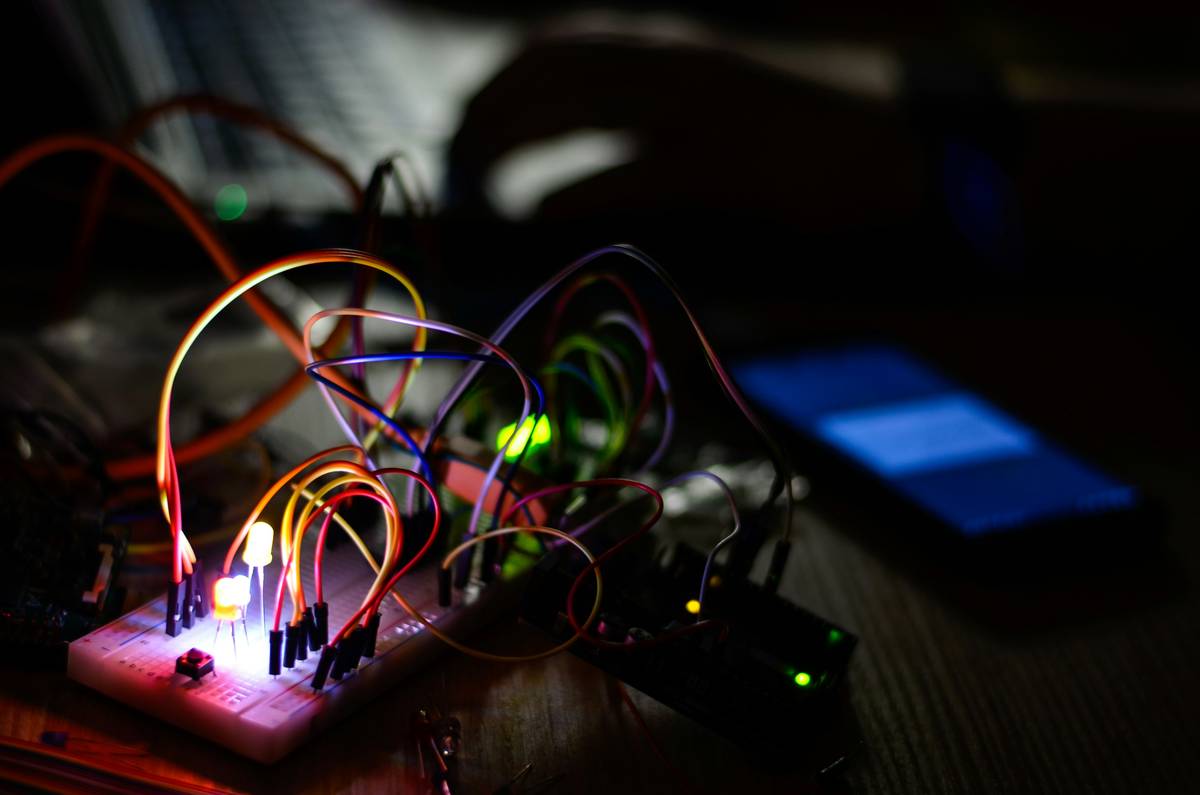
Test power cycling. Simulate Wi-Fi dropouts. What happens when two devices send conflicting commands simultaneously? Most tutorials skip this. Don’t.
| Integration Method | Setup Complexity | Latency (ms) | Offline Support | Monthly Cost |
|---|---|---|---|---|
| Proprietary Hub (e.g., Samsung SmartThings) | Low | 800–1500 | Limited | $0–$5 |
| Home Assistant + Zigbee2MQTT | High | 10–50 | Full | $0 |
| IFTTT + Cloud APIs | Very Low | 2000+ | None | $0–$12 |
| Custom Python/MQTT Script | Very High | 5–20 | Full | $0 |
The Industry Secret: Protocol Agnosticism Is a Myth
Vendors push “works with everything” claims. Truth? Every protocol has hidden failure modes. Zigbee mesh networks collapse under 50+ nodes. Bluetooth LE drains batteries faster than specs admit. And Matter? Still can’t handle legacy Z-Wave devices without a dongle kludge.
Here’s what no whitepaper tells you: the best implementations use protocol translation layers—not native support. Example: a lightweight container running on a NUC that converts Modbus RTU signals from industrial HVAC units into JSON events digestible by your home automation core. That’s how facilities managers actually do it. Not with apps. With code.
FAQ
What’s the biggest mistake in device integration?
Assuming all devices report state changes instantly. Many only update on polling intervals—or worse, only when manually triggered. Always verify real-time behavior before building automations.
Can I integrate non-smart devices?
Yes—using dry-contact relays, IR blasters, or current sensors. A $7 Shelly 1PM can make any dumb appliance “smart” by monitoring power draw and triggering actions.
Is Matter the future of implementation of device integration?
For new purchases, yes—but it won’t fix legacy fragmentation. Use Matter for new bulbs or plugs, but keep older gear on a separate, locally managed network.