Your smart lights flicker. Your thermostat forgets your schedule. A “simple” firmware update bricks three devices overnight. This isn’t normal—and it’s not your fault. The real culprit? Poor device management in iot. Most systems treat smart gadgets like disposable toys, not mission-critical infrastructure. Here’s how to take back control before your home becomes a haunted house of dead endpoints.
Why Off-the-Shelf IoT Platforms Fail at Device Management
Most consumer-grade IoT ecosystems are built for onboarding—not longevity. They assume every device stays online, speaks the same protocol, and never needs secure patching. Reality laughs at that assumption.
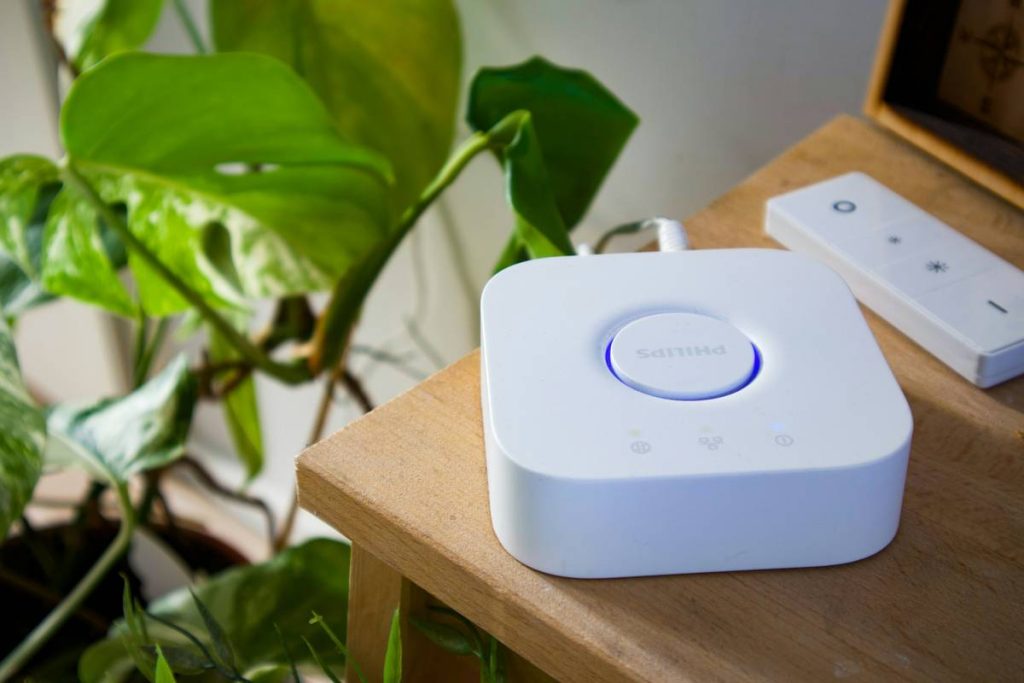
Network fragmentation kills reliability. Zigbee clashes with Z-Wave. WiFi sensors drain batteries. And when manufacturers sunset cloud APIs—as Samsung SmartThings did silently last year—your $400 hub becomes an expensive paperweight.
Worse, security is an afterthought. Default credentials. Unencrypted OTA updates. Zero remote wipe capability. You’re not managing devices—you’re babysitting ticking vulnerabilities.
Step-by-Step Guide to Robust IoT Device Management
Map Your Attack Surface First
Before installing another sensor, inventory every endpoint: brand, protocol, firmware version, cloud dependency. Group them by risk tier—critical (locks, cameras), convenience (lights, plugs), and experimental (DIY sensors).

Enforce Protocol Boundaries
Stop mixing protocols willy-nilly. Choose one primary mesh (Zigbee 3.0 or Matter-over-Thread) for critical devices. Use WiFi only for high-bandwidth gear like cameras. Isolate experimental gadgets on a separate VLAN—no exceptions.
Deploy Local-First Control
Ditch cloud-reliant hubs. Run open-source platforms like Home Assistant OS on a Raspberry Pi 4. With local execution, your blinds still close during internet outages—and your data never leaves your network.
| Management Approach | Upfront Cost | Long-Term Reliability | Security Rating |
|---|---|---|---|
| Cloud-Dependent Hubs (e.g., Alexa + OEM Apps) | $0–$100 | Low — Fails during outages or API sunsets | Poor — No local encryption, forced updates |
| Hybrid Systems (e.g., Hubitat + Cloud Backup) | $120–$180 | Medium — Local rules work offline; cloud for alerts | Fair — Limited OTA control, some vendor lock-in |
| Local-First (Home Assistant + Zigbee USB Dongle) | $150–$220 | High — Fully offline capable, community-driven updates | Excellent — End-to-end encryption, manual patching |

The Industry Secret: Most “Smart” Devices Are Designed to Die
Here’s what vendors won’t tell you: planned obsolescence is baked into consumer IoT. Firmware signatures expire. Certificate authorities rotate without backward compatibility. And why would they support a $25 plug for five years when you’ll buy three replacements?
But enterprise-grade device management tools—like those from AWS IoT Core or Azure Sphere—are now trickling down. You can repurpose their certificate-based authentication and delta-update strategies even in home labs. One Reddit user ran 87 custom ESP32 nodes for 18 months with zero cloud contact using LwM2M protocol and self-signed certs. The math is simple: if it can’t phone home, it can’t be remotely killed.
FAQ
What is device management in IoT?
It’s the process of provisioning, monitoring, updating, and securing connected devices throughout their lifecycle—especially critical when scaling beyond a few gadgets.
Can I manage IoT devices without the cloud?
Absolutely. Open-source platforms like Home Assistant or OpenHAB run entirely locally. Just ensure your devices support local execution (Zigbee, Z-Wave, or Matter).
How often should I update IoT firmware?
Immediately for security patches. For features, test updates in isolation first. Never auto-update mission-critical devices—manual verification prevents bricking.