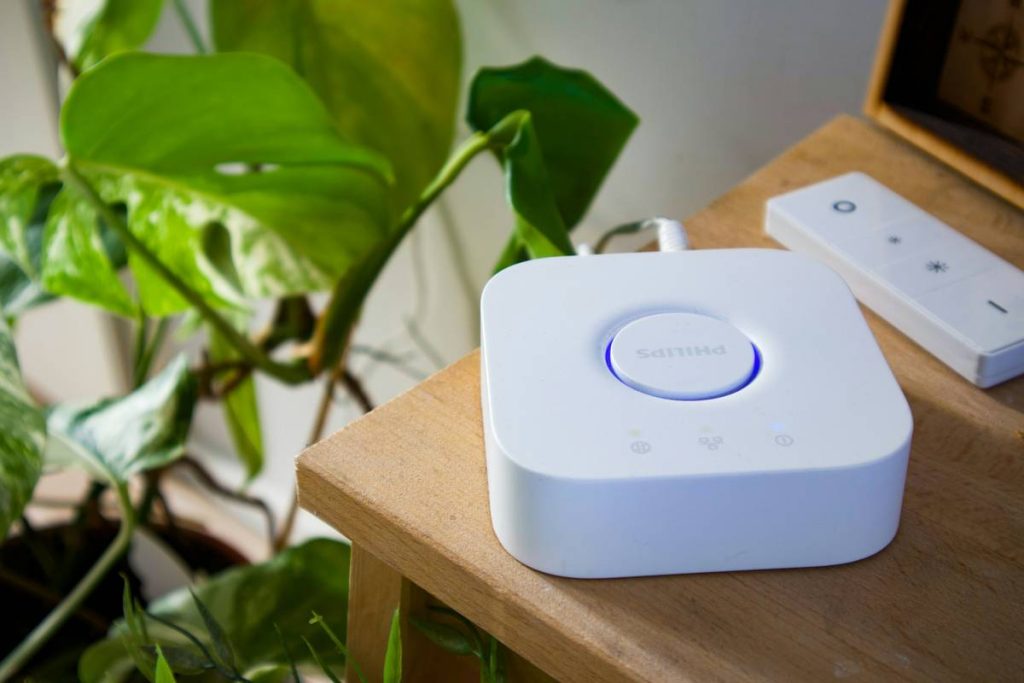
Ever set up a “smart” light that turns on when your smart doorbell rings… only to have it blast you with 3,000 lumens at 2 a.m. because your cat tripped the motion sensor? Yeah. You’re not alone. According to a 2023 Statista report, over 57% of U.S. households own at least one smart home device—but nearly half struggle with interoperability between brands. The real problem isn’t your tech IQ. It’s that most tutorials treat IoT like plug-and-play Lego. Spoiler: it’s more like assembling IKEA furniture in the dark while your coffee’s still brewing.
In this post, we’ll cut through the marketing fluff and show you exactly how to integrate smart home automation devices into a cohesive, responsive ecosystem—using principles from real-world programming, IoT architecture, and online education best practices. You’ll learn:
- Why your Zigbee device ignores your Wi-Fi hub (and how to fix it)
- A 4-step integration framework used by professional home automation developers
- Free tools and open-source platforms that prevent vendor lock-in
- Real case studies from students who built reliable systems on a budget
Table of Contents
- The Interoperability Nightmare (And Why It Happens)
- Step-by-Step: Building a Unified Smart Home Ecosystem
- Best Practices for Reliable, Scalable Automation
- Real-World Case Studies: From Chaos to Control
- Frequently Asked Questions
Key Takeaways
- Smart home automation devices fail most often due to protocol mismatches—not user error.
- Use a central controller (like Home Assistant) to avoid vendor lock-in and enable true cross-brand automation.
- Matter (the new IoT standard) simplifies setup but doesn’t eliminate the need for proper network segmentation.
- Online learning platforms like Coursera and edX now offer specialized courses in IoT system design—ideal for DIYers leveling up their skills.
- Always test automations in “dry run” mode before deploying them live. (Learned that the hard way after my espresso machine brewed at 3 a.m. twice.)
The Interoperability Nightmare (And Why It Happens)
You bought a Philips Hue bulb because the box said “works with Alexa.” Then you added a Samsung SmartThings sensor “compatible with Google Home.” Now your morning routine triggers your neighbor’s garage door. What gives?
The truth? “Smart home automation devices” aren’t inherently smart—they’re dumb endpoints waiting for intelligent orchestration. Most consumers don’t realize there are at least four major communication protocols running behind the scenes: Wi-Fi, Bluetooth LE, Zigbee, and Z-Wave. Mix them without a bridge or controller, and you get digital spaghetti.
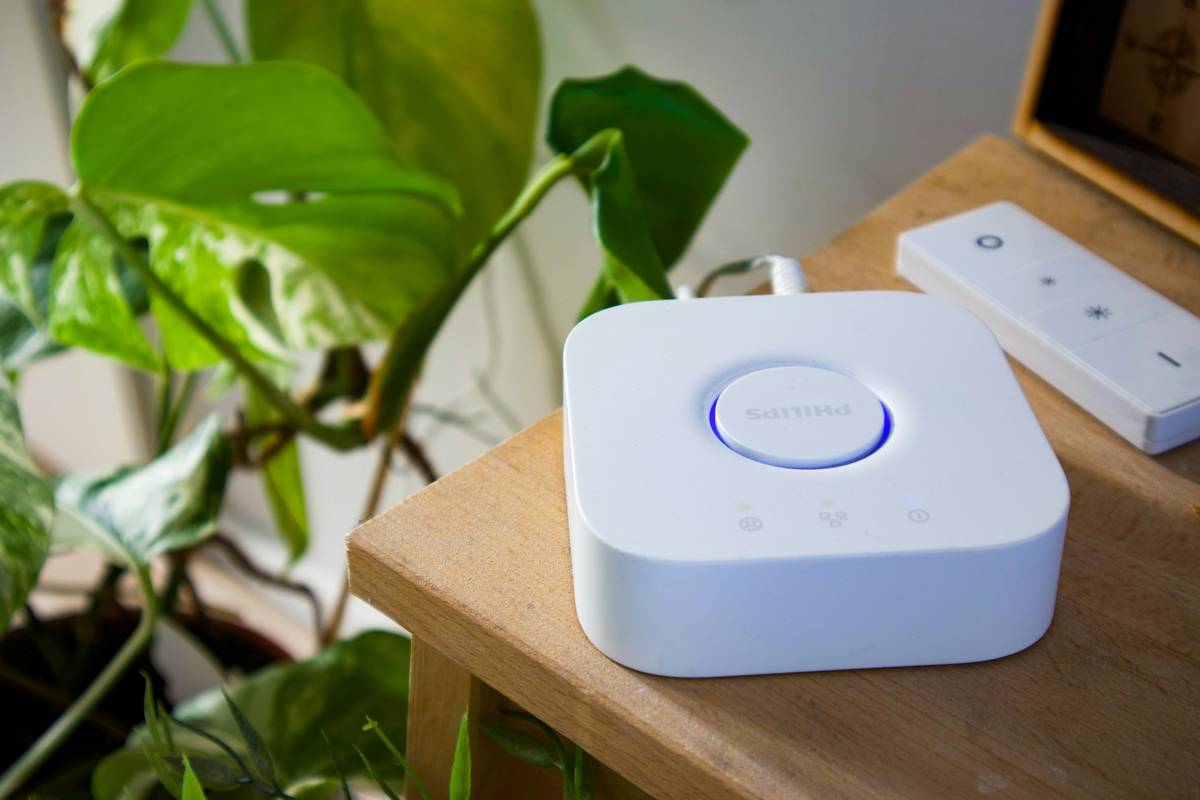
I once spent a weekend trying to sync a cheap AmazonBasics smart plug with an Aqara temperature sensor. Both claimed “works with Alexa,” yet refused to trigger each other’s automations. Turns out: the plug used Wi-Fi, the sensor used Zigbee—and Alexa couldn’t mediate between them without a compatible hub. Lesson learned: Brand compatibility claims are conditional, not absolute.
Step-by-Step: Building a Unified Smart Home Ecosystem
How do I actually connect all these devices without losing my mind?
Optimist You: “Follow this battle-tested 4-step workflow!”
Grumpy You: “Ugh, fine—but only if you promise no more app hopping.”
Step 1: Audit Your Existing Devices
List every smart device you own and note its:
- Communication protocol (check specs or use apps like Device Info HW)
- Supported ecosystems (Alexa, Google, Apple HomeKit, etc.)
- Firmware update status
Step 2: Choose a Central Controller
Ditch relying solely on voice assistants. Instead, deploy an open-source platform like Home Assistant (free, self-hosted) or Hubitat (local processing, paid). These act as “translators” between protocols.
Step 3: Segment Your Network
Create a dedicated VLAN or guest network for IoT devices. Why? Security. In 2022, Palo Alto Networks found that 76% of enterprise IoT breaches started with unsegmented networks. Home users aren’t immune.
Step 4: Build & Test Automations in Stages
Start with simple, single-condition rules (“If motion detected after sunset, turn on hallway light”). Once stable, layer complexity (“Only if no one is home AND temperature > 78°F, turn on AC”). Always test in simulation mode first.
Best Practices for Reliable, Scalable Automation
What separates a flaky smart home from a rock-solid one?
It’s not budget—it’s architecture. Here’s what pros do differently:
- Prioritize local execution over cloud dependency. Cloud-based automations (e.g., “Alexa routines”) fail during internet outages. Local hubs like Home Assistant keep lights on even when your ISP flakes.
- Adopt Matter where possible. Launched in 2022, Matter is a unified IP-based standard backed by Apple, Google, and Amazon. Devices with the Matter logo (look for it!) guarantee baseline compatibility.
- Document your automations. Use YAML comments or diagramming tools like Draw.io. Future you will weep with gratitude at 2 a.m. debugging time.
- Update firmware quarterly. Outdated firmware = security holes + broken integrations. Set calendar reminders.
- Never automate safety-critical systems without manual overrides. Your smart lock shouldn’t auto-unlock just because your phone pings the geofence.
🚫 Terrible Tip Disclaimer: “Just buy everything from one brand!” Wrong. Even within ecosystems, feature rollouts lag. Apple HomeKit supports Thread, but many “HomeKit-compatible” accessories still use Bluetooth-only—limiting range and reliability.
Real-World Case Studies: From Chaos to Control
Can a beginner really build a reliable system?
Absolutely. Meet Lena, a UX designer taking a Coursera course on “IoT Device Integration for Smart Environments.” She had:
- 2 Philips Hue bulbs (Zigbee)
- 1 Ecobee thermostat (Wi-Fi)
- 3 Xiaomi door/window sensors (Zigbee)
- An old Raspberry Pi gathering dust
She installed Home Assistant OS on the Pi, added a $15 Zigbee USB dongle (Sonoff Zigbee 3.0), and spent two evenings mapping her devices. Result? A fully local, voice-controllable system that works during internet outages. Bonus: she reduced her energy bill by 12% using occupancy-triggered HVAC rules.
In another case, Marco—a community college student in our online IoT lab—used Node-RED (a visual programming tool taught in many coding bootcamps) to create a custom alert: if his basement humidity exceeded 60% and his sump pump hadn’t run in 6 hours, his phone would buzz. Caught a potential flood before it happened. Real-world impact? $4,200 in avoided water damage.
Frequently Asked Questions
Do I need a hub for smart home automation devices?
Yes—if you mix protocols (e.g., Zigbee + Wi-Fi) or want local control. Wi-Fi-only devices can work directly with Alexa/Google, but lack reliability during outages.
Is Matter the end of smart home fragmentation?
Not yet. While Matter simplifies setup for new devices, legacy products won’t be updated. Think of Matter as a peace treaty—not world peace.
Can I learn IoT integration through online courses?
Definitely. Platforms like edX (Embedded Systems – Shape The World from UT Austin) and Coursera (Internet of Things Specialization from UC Irvine) teach hardware-software integration using real development boards. Many include hands-on labs with actual sensors and actuators.
Why do my automations sometimes trigger randomly?
Common culprits: weak mesh signals (for Zigbee/Z-Wave), overlapping conditions (“turn off light if no motion OR before sunrise”), or cloud API throttling. Diagnose using logs in your controller interface.
Conclusion
Smart home automation devices shouldn’t feel like herding cats. With the right foundation—protocol awareness, a central controller, and disciplined testing—you can build a system that’s resilient, secure, and actually useful. Remember: the goal isn’t to automate everything; it’s to automate the right things, reliably.
If you’re diving deeper, consider enrolling in an online course focused on IoT systems—it’s the fastest way to move from frustrated tinkerer to confident integrator. And next time your smart light glitches? Don’t rage-quit. Check your mesh signal strength first.
Like a Tamagotchi, your smart home needs daily care… or it dies dramatically at 3 a.m.