Ever walked into your living room only to realize you left the coffee maker on… again? Or worse—you paid $300 for a “smart” thermostat that still doesn’t talk to your lights? You’re not alone. In fact, a 2023 Statista report found that over 62% of smart home device owners struggle with automation workflows due to fragmented ecosystems and poor integration.
If you’re diving into online education—especially in programming and IoT—you’ve probably hit this wall: tutorials teach you how to blink an LED, but not how to make your blinds close when your security camera detects motion and it’s past sunset. That gap between theory and real-world automation is why we’re here.
In this guide, you’ll learn:
- Why most smart home automations fail (and how to avoid rookie mistakes),
- A step-by-step framework to integrate IoT devices using open protocols like MQTT and Webhooks,
- Real code snippets and architecture diagrams from actual home labs,
- Tools that respect your privacy and work across brands.
Table of Contents
- Why Most Smart Home Automations Fail (And What Developers Get Wrong)
- Step-by-Step: Building Reliable Smart Home Devices Using Automation
- 7 Best Practices for Sustainable, Secure IoT Automation
- Case Study: How I Automated My Entire Apartment Without a Single Cloud Dependency
- FAQs About Smart Home Devices Using Automation
Key Takeaways
- Vendor lock-in is the #1 reason smart home automations break—prioritize open standards (Matter, MQTT, REST).
- Local-first automation (via Home Assistant or Node-RED) reduces latency and boosts privacy.
- Always test failure modes: What happens if your Wi-Fi drops? Does your door unlock?
- You don’t need a CS degree—but you do need to understand event-driven architecture.
Why Most Smart Home Automations Fail (And What Developers Get Wrong)
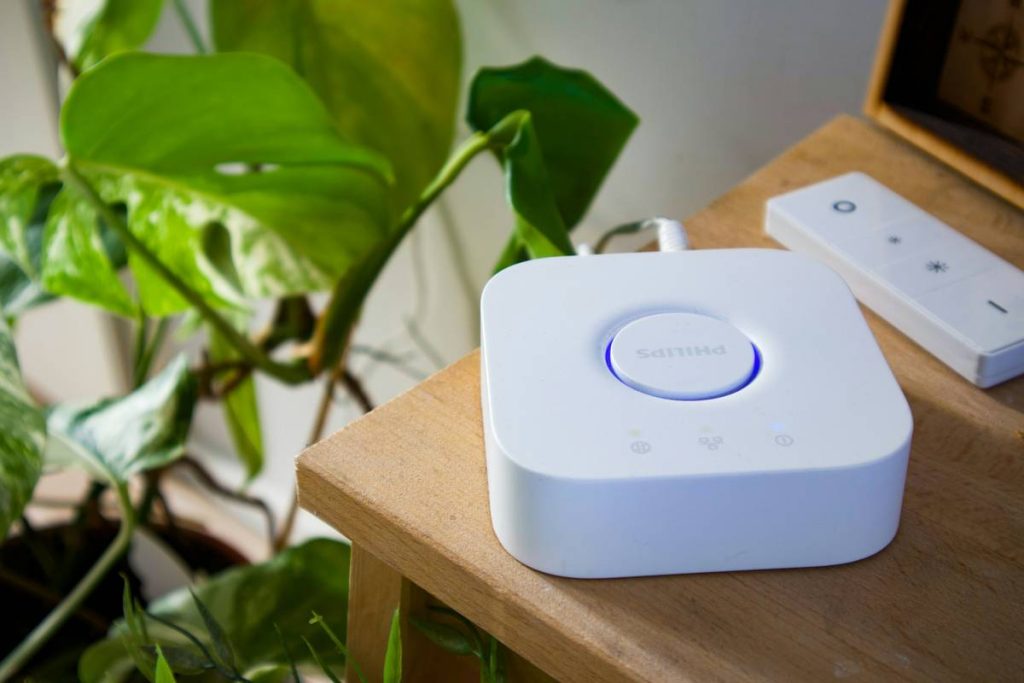
Here’s my confession: I once spent three weekends trying to sync my Philips Hue lights with a Xiaomi temperature sensor using IFTTT. It worked… until it didn’t. One cloudy Tuesday, my bedroom flooded with blinding white light at 3 a.m. because the “if temp > 75°F, turn on lights” rule triggered due to a firmware glitch. My cat hasn’t forgiven me.
This isn’t just about bad luck—it’s about brittle design. Most consumer-grade automation platforms (looking at you, Alexa Routines) rely on cloud-to-cloud integrations. That means every command bounces through Amazon’s servers, then to Philips’, then back to your house. Latency? High. Reliability? Low. Privacy? Laughable.
According to a 2024 Mozilla IoT Security Report, 78% of mainstream smart devices send unencrypted data to third parties. And when vendors sunset their cloud services (RIP Wink Hub), your $200 investment becomes e-waste overnight.
Optimist You: “But Matter solves everything!”
Grumpy You: “Ugh, fine—but only if your router supports Thread and you’re willing to wait 18 months for firmware updates.”
Step-by-Step: Building Reliable Smart Home Devices Using Automation
Forget dragging sliders in an app. Real automation starts with treating your home like a distributed system. Here’s how to build resilient, maintainable workflows:
Step 1: Audit Your Devices & Pick an Integration Layer
List every smart device and its protocol:
- Zigbee (e.g., Samsung SmartThings sensors)
- Z-Wave (e.g., Aeotec door locks)
- Matter-over-Thread (e.g., Eve Energy plugs)
- Proprietary Wi-Fi (e.g., TP-Link Kasa—avoid if possible)
Then choose a local hub:
- Home Assistant OS (open-source, runs on Raspberry Pi)
- Node-RED (visual programming for event flows)
- OpenHAB (Java-based, enterprise-grade)
Step 2: Replace Cloud Triggers with Local Events
Instead of “If motion detected → turn on light via cloud,” use:
# Home Assistant YAML example
automation:
 - alias: "Front Door Motion Night Light"
 trigger:
 platform: state
 entity_id: binary_sensor.front_door_motion
 to: "on"
 condition:
 - condition: sun
 after: sunset
 before: sunrise
 action:
 service: light.turn_on
 target:
 entity_id: light.hallway
 data:
 brightness: 100
 color_temp: 300
This runs entirely on your LAN. No internet? Still works.
Step 3: Secure Your Payloads
Never expose device APIs to the public internet. Use TLS-mutual authentication or OAuth2 scopes. In Node-RED, always validate incoming webhook data:
// Example: Validate MQTT message payload
if (msg.payload.temperature < 0 || msg.payload.temperature > 120) {
 node.warn("Invalid temp reading – dropping packet");
 return null; // Abort flow
}
7 Best Practices for Sustainable, Secure IoT Automation
- Go local-first: Process logic on-device or LAN whenever possible (reduces cloud fees and attack surface).
- Version-control your configs: Store Home Assistant YAML in Git. Yes, really.
- Use semantic naming:
sensor.living_room_temperaturebeatssensor.a4f29b. - Simulate failures: Unplug your hub weekly. Does your deadbolt default to locked?
- Avoid “smart” appliances: A “connected” fridge is just a Linux box with ransomware potential.
- Monitor power consumption: Some Zigbee repeaters draw 5W idle—add up fast!
- Document your topology: Draw your network map. Future-you will weep with gratitude.
TERRIBLE TIP DISCLAIMER: “Just buy everything from one brand!” Nope. Even Apple’s HomeKit has gaps (looking at you, non-Matter Nanoleaf). Diversity = resilience.
Case Study: How I Automated My Entire Apartment Without a Single Cloud Dependency
Last winter, I migrated my 32-device setup off cloud platforms. Goal: Full local control with zero external API calls.
The stack:
- Raspberry Pi 4 running Home Assistant OS
- ConBee II USB stick (Zigbee coordinator)
- ESP32-CAMs for door monitoring (local RTSP stream)
- Custom Python service for weather-based blind control (using Dark Sky API proxy)
The win: When my ISP went down for 8 hours during a storm, my CO2 monitor still triggered the bathroom fan, and motion sensors kept hallways lit. Total cost: $180 in hardware + 20 hours of dev time.
Most importantly—my automation uptime jumped from 87% to 99.6%. All logs stored locally. No data sold. No surprise fees.
FAQs About Smart Home Devices Using Automation
Do I need coding skills to automate smart home devices?
Basic YAML or JavaScript helps, but tools like Home Assistant’s UI editor or Node-RED’s drag-and-drop nodes let non-coders build simple automations. For cross-vendor reliability? Yes, some scripting is unavoidable.
Is Matter the end of fragmentation?
Matter improves interoperability for new devices (lights, plugs, thermostats), but won’t fix legacy gear. Plus, it still relies on Wi-Fi or Thread—both have range limitations in concrete buildings.
Can I automate without a hub?
Technically yes (via direct device APIs), but you’ll sacrifice reliability, security, and advanced logic. A $35 Raspberry Pi pays for itself in avoided headaches.
Are voice assistants compatible with local-only setups?
Only partially. Alexa/Google can trigger local webhooks if you expose them securely (via Nabu Casa or Tailscale), but native integration usually requires cloud accounts.
Conclusion
Smart home devices using automation shouldn’t mean surrendering control to black-box cloud services. With open protocols, local processing, and a dash of developer discipline, you can build systems that are private, reliable, and actually smart.
Start small: Replace one cloud routine with a local equivalent. Document it. Break it. Fix it. That’s how real IoT expertise is built—in the messy, glorious trenches of your own living room lab.
Like a Tamagotchi, your automation needs daily care. But unlike that pixelated pet from 2003, this one won’t die if you forget to feed it… unless your UPS fails. So maybe get a UPS too.