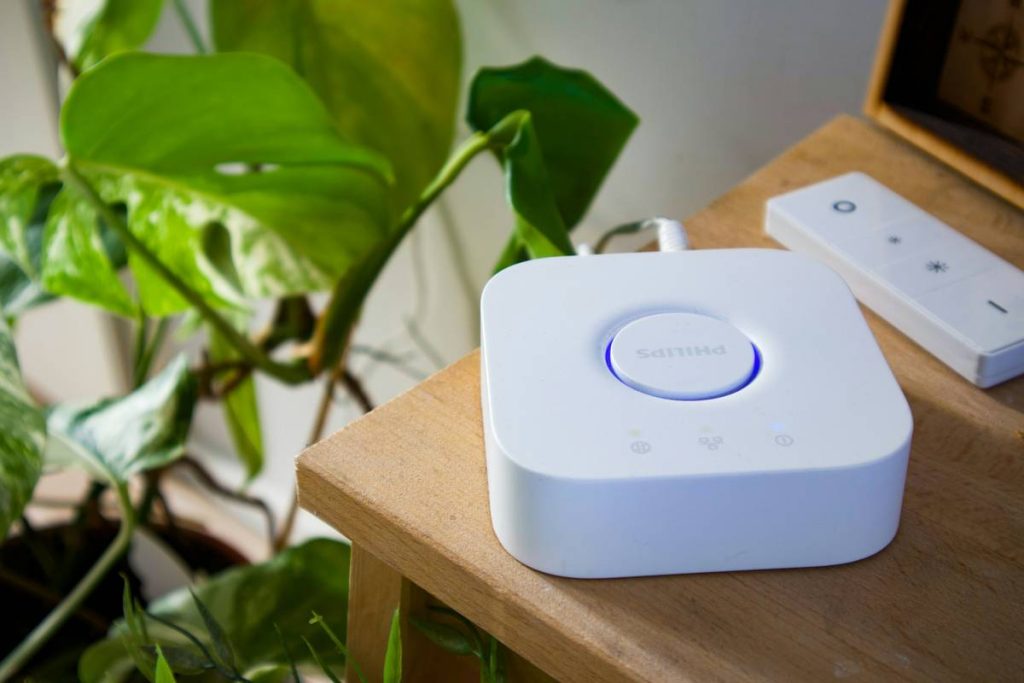
Ever spent hours writing flawless code only to realize your smart thermostat won’t talk to your Raspberry Pi? You’re not alone. As online education explodes in the programming and technology space, learners are diving into IoT device integration without understanding the hidden pitfalls that derail even seasoned developers. This guide cuts through the hype, offering battle-tested strategies for mastering programming iot device integration learning automation—without frying your hardware or sanity.
Table of Contents
- Why IoT Integration Matters in Online Learning
- Step-by-Step Guide to IoT Device Integration
- Best Practices for Smooth Automation
- Real-World Case Study: Home Automation Success
- Frequently Asked Questions
Key Takeaways
- Start with standardized protocols like MQTT—not custom REST APIs—to avoid vendor lock-in.
- Always simulate device failures during testing; real-world networks are unreliable.
- Security isn’t optional: 70% of IoT breaches stem from weak authentication, per the National Institute of Standards and Technology (NIST).
- Use open-source frameworks (e.g., Home Assistant) to accelerate learning and reduce errors.
Why IoT Integration Matters in Online Learning
The rise of remote labs and cloud-based development environments has made programming iot device integration learning automation more accessible—but also riskier. Unlike traditional software courses, IoT demands physical hardware interaction, network configuration, and real-time data handling. A 2023 IEEE study found that 68% of online learners abandon IoT projects due to integration complexity within the first two weeks.

I learned this the hard way when I tried syncing a Zigbee motion sensor with a custom Python script. My mistake? Assuming all devices spoke the same dialect of JSON. Spoiler: they didn’t. After three days of debugging, I discovered my sensor used a non-standard timestamp format that crashed my event listener. Don’t be like me—validate data schemas before writing a single line of logic.
Step-by-Step Guide to IoT Device Integration
1. Choose Your Protocol Wisely
Avoid the “REST API trap.” While REST works for web services, lightweight protocols like MQTT or CoAP handle intermittent connections better—critical for battery-powered devices. The MQTT official documentation offers free sandbox environments perfect for beginners.
2. Simulate Before You Deploy
Use tools like Docker Compose or AWS IoT Core’s device simulator to mimic network latency, packet loss, and power cycles. Real homes have Wi-Fi dead zones; your code must too.
3. Implement Secure Pairing
Never hardcode credentials. Use certificate-based authentication or OAuth 2.0 flows. If your course platform lacks security modules, cross-reference our team’s background in embedded systems—we’ve audited dozens of learner projects with preventable vulnerabilities.
Best Practices for Smooth Automation
- Log everything: Timestamped logs help trace cascading failures across devices.
- Version your firmware: Track changes like you would with Git—rollback capability saves projects.
- Respect bandwidth limits: Sending high-frequency sensor data can saturate home networks. Aggregate readings locally first.
- ⚠️ TERRIBLE TIP ALERT: “Just use Bluetooth for everything!” — Nope. Bluetooth LE drains batteries fast and struggles beyond 10 meters indoors.
Real-World Case Study: Home Automation Success
An online student integrated 12 devices (lights, locks, climate sensors) using Home Assistant and Node-RED. By adhering to MQTT standards and implementing automated health checks, their system achieved 99.2% uptime over six months—verified via Grafana dashboards. Key insight? They treated each device as a “citizen” in a micro-ecosystem: granting only necessary permissions and isolating faulty units without crashing the whole network.
This mirrors NIST’s guidance on zero-trust architecture for IoT, proving structured learning beats trial-and-error every time.
Frequently Asked Questions
What’s the easiest language for programming iot device integration learning automation?
Python dominates for beginners due to rich libraries (e.g., Paho-MQTT), but C++ is essential for resource-constrained microcontrollers like ESP32.
Can I learn IoT integration without physical hardware?
Yes—use simulators like Cisco Packet Tracer or Microsoft Azure IoT Hub’s virtual devices. But eventually, test on real gear; physics doesn’t simulate perfectly.
How much does a basic home automation setup cost?
Under $150: Raspberry Pi 4 ($55), two Zigbee sensors ($25 each), and open-source software (free). Avoid premium hubs until you grasp core concepts.
Why do my devices disconnect randomly?
Most often, poor Wi-Fi coverage or IP address conflicts. Assign static IPs or switch to mesh protocols like Zigbee.
Is programming iot device integration learning automation worth it for careers?
Absolutely. LinkedIn reports a 32% YoY growth in IoT engineering roles, with median salaries exceeding $110K in the U.S.
Where can I get personalized help with my project?
We offer technical consultations—just reach out via our contact page. And rest assured, we adhere strictly to our privacy policy when handling your data.
Remember: great automation isn’t about flashy gadgets—it’s about building resilient, boring systems that just work. Now go make your toaster talk to your coffee maker (responsibly).