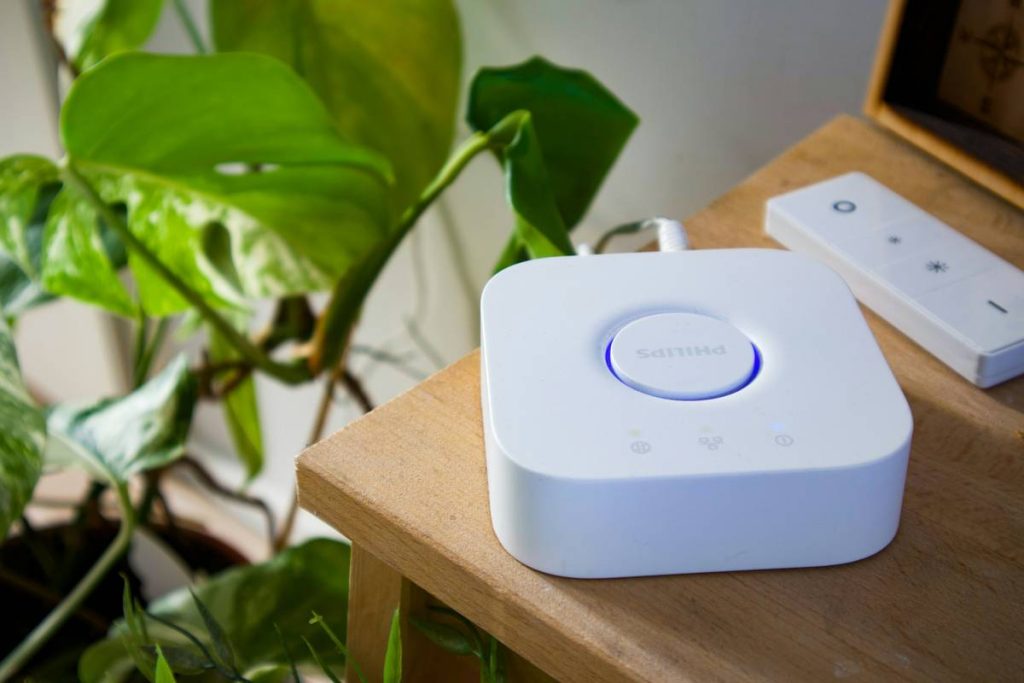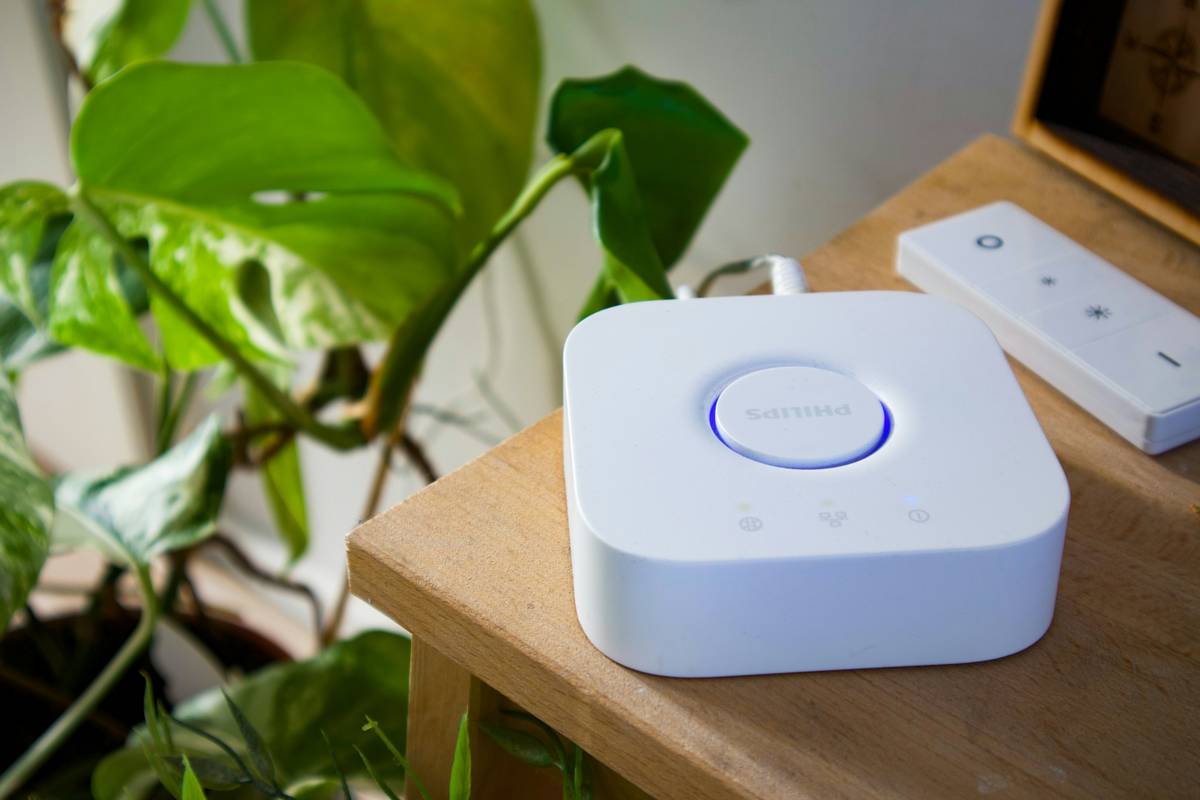
You bought the smart lights. The thermostat. The doorbell camera. They all work—until they don’t. Devices drop offline. Firmware glitches. Security holes appear overnight. The real problem isn’t your gadgets—it’s the lack of robust iot device management software. Without it, your “smart” home is just a collection of expensive paperweights.
The Fragmentation Trap: Why DIY IoT Setups Collapse
Most homeowners stitch together ecosystems from Amazon, Google, and random startups. Each app talks only to its own tribe. You end up juggling five interfaces before breakfast. And good luck updating firmware across brands. It’s chaos disguised as convenience.
Here’s the reality: consumer-grade hubs prioritize ease-of-use over resilience. They sacrifice remote diagnostics, bulk configuration, and lifecycle tracking—the very things that keep enterprise IoT deployments running 24/7. Your smart home deserves better infrastructure.
Implementing Professional-Grade IoT Device Management Software
Forget “just works.” Aim for “just survives.” Real device management means visibility, control, and automation at scale—even in a single-family home.
Step 1: Audit Your Existing Stack
Inventory every connected device. Note manufacturer, protocol (Zigbee? Z-Wave? Wi-Fi?), and update method. If you can’t list them in under two minutes, you’ve already lost control.

Step 2: Choose a Unified Management Layer
Ditch brand-specific apps. Opt for open-source or semi-pro platforms built for interoperability—not marketing demos. Prioritize solutions that support MQTT, OAuth 2.0, and OTA (over-the-air) updates without vendor lock-in.
Step 3: Deploy with Security Boundaries
Segment IoT traffic onto a separate VLAN. Enforce certificate-based authentication. And never—ever—allow direct internet access to your smart fridge. Yes, this sounds extreme. But one compromised plug can pivot to your laptop.
| Approach | Cost (Annual) | Scalability | Security Control | Recovery Time After Failure |
|---|---|---|---|---|
| Consumer Hubs (e.g., Alexa Routines) | $0–$100 | Low (≤15 devices) | Minimal | Hours to days |
| Open-Source Frameworks (e.g., Home Assistant + add-ons) | $50–$300 (hardware + maintenance) | High (100+ devices) | Full admin control | Minutes to hours |
| Commercial IoT Platforms (e.g., Losant, Ubidots) | $300–$2,000+ | Enterprise-grade | Granular RBAC & encryption | Under 30 minutes |
Step 4: Automate Health Checks
Schedule weekly connectivity scans. Log device uptime. Trigger alerts when a sensor stops reporting. Proactive monitoring beats reactive panic every time.
The Industry Secret: Device Longevity Is a Myth
Manufacturers design smart devices with planned obsolescence baked in—often via cloud dependencies. When their server shuts down (looking at you, Revolv), your hardware becomes e-waste. But here’s what few admit: with proper iot device management software, you can bypass vendor clouds entirely. Run local MQTT brokers. Cache firmware locally. Even reverse-engineer proprietary APIs if needed. Your devices don’t need their maker to survive—they need *you* to take ownership. And that starts with management architecture, not more gadgets.
Frequently Asked Questions
What’s the difference between a smart hub and iot device management software?
A smart hub controls devices. IoT device management software monitors, secures, updates, and recovers them—often without user intervention. One is a remote; the other is an operating system for your ecosystem.
Can open-source tools really replace commercial solutions?
For most homes, yes. Platforms like Home Assistant offer deeper control than Alexa or Google Home. But you trade convenience for configurability—a fair deal if you value autonomy over simplicity.
How often should I update my IoT device firmware?
Automate it. Critical patches should deploy within 72 hours of release. Non-critical updates monthly. Manual updates are a recipe for vulnerability debt.